
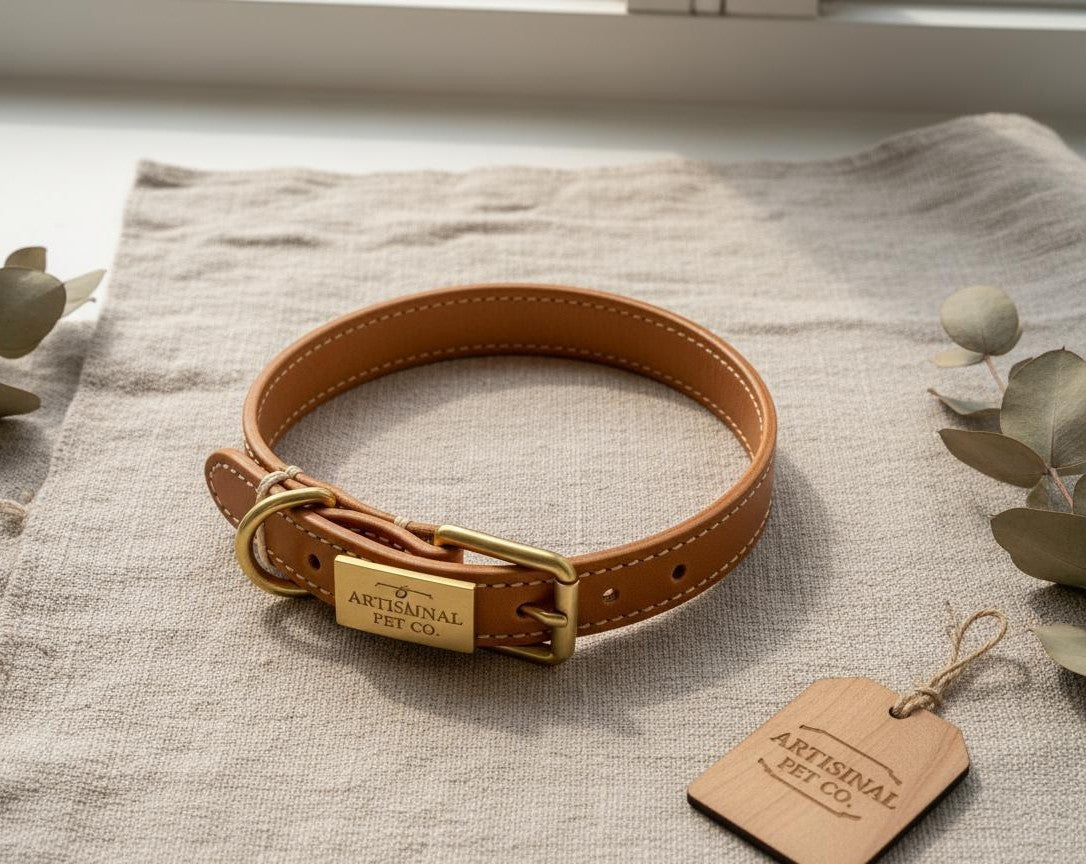
Auren collar-band
Accessory product used for Shopify checkout testing and fit exploration.
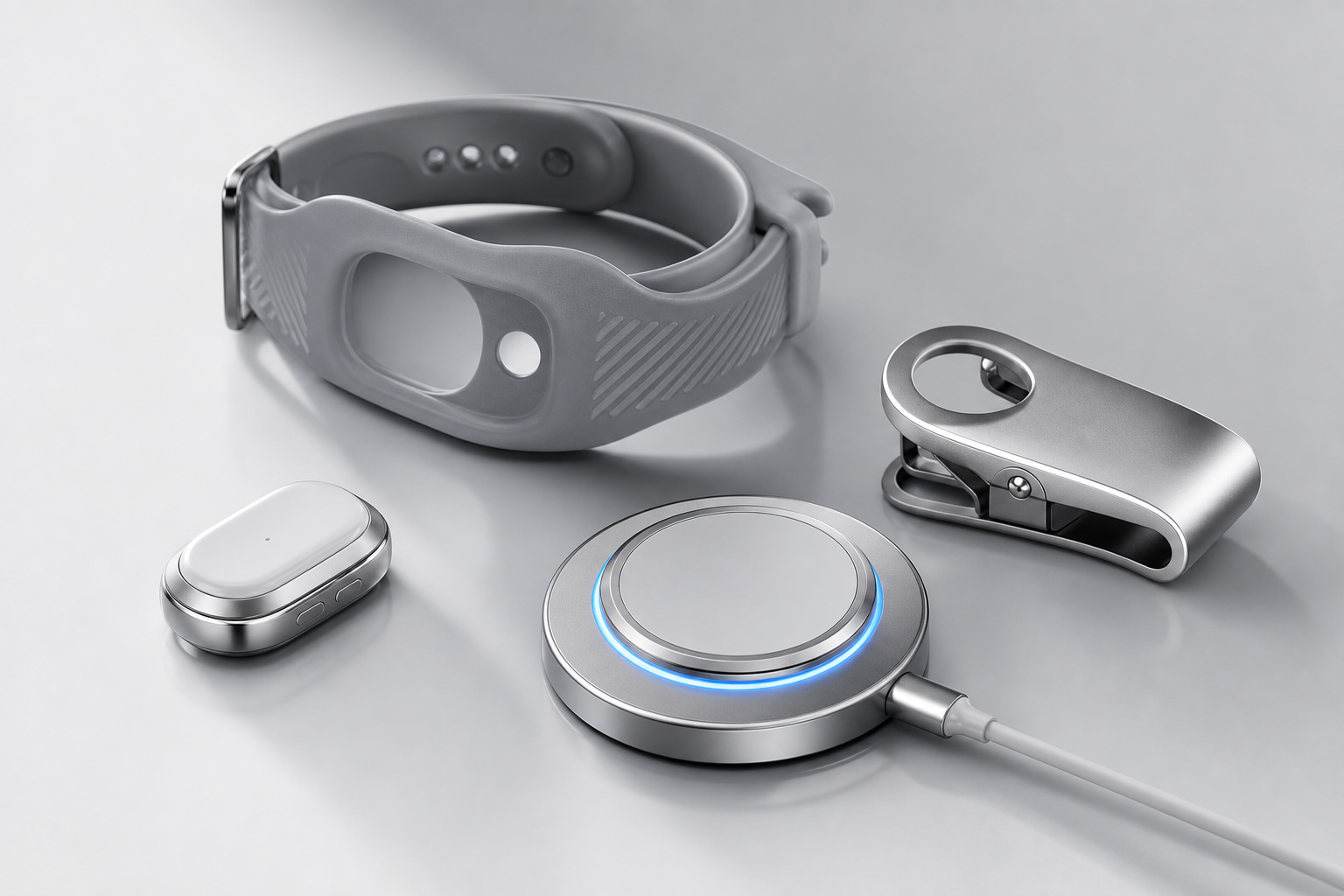
Accessory product used for Shopify checkout testing and fit exploration.
Designed as part of the wearable ecosystem for comfort, stability, and quick setup.
Add to cart, checkout, taxes, shipping, and payment can be tested through Shopify.
No. It is an Accessories product used for direct Shopify checkout testing. Auren M1 remains the flagship product in development.
Yes, if the Shopify product is active, available in the Online Store sales channel, priced, and has an available variant.
No. It is a separate accessory checkout test and does not reserve Auren M1.
How it works
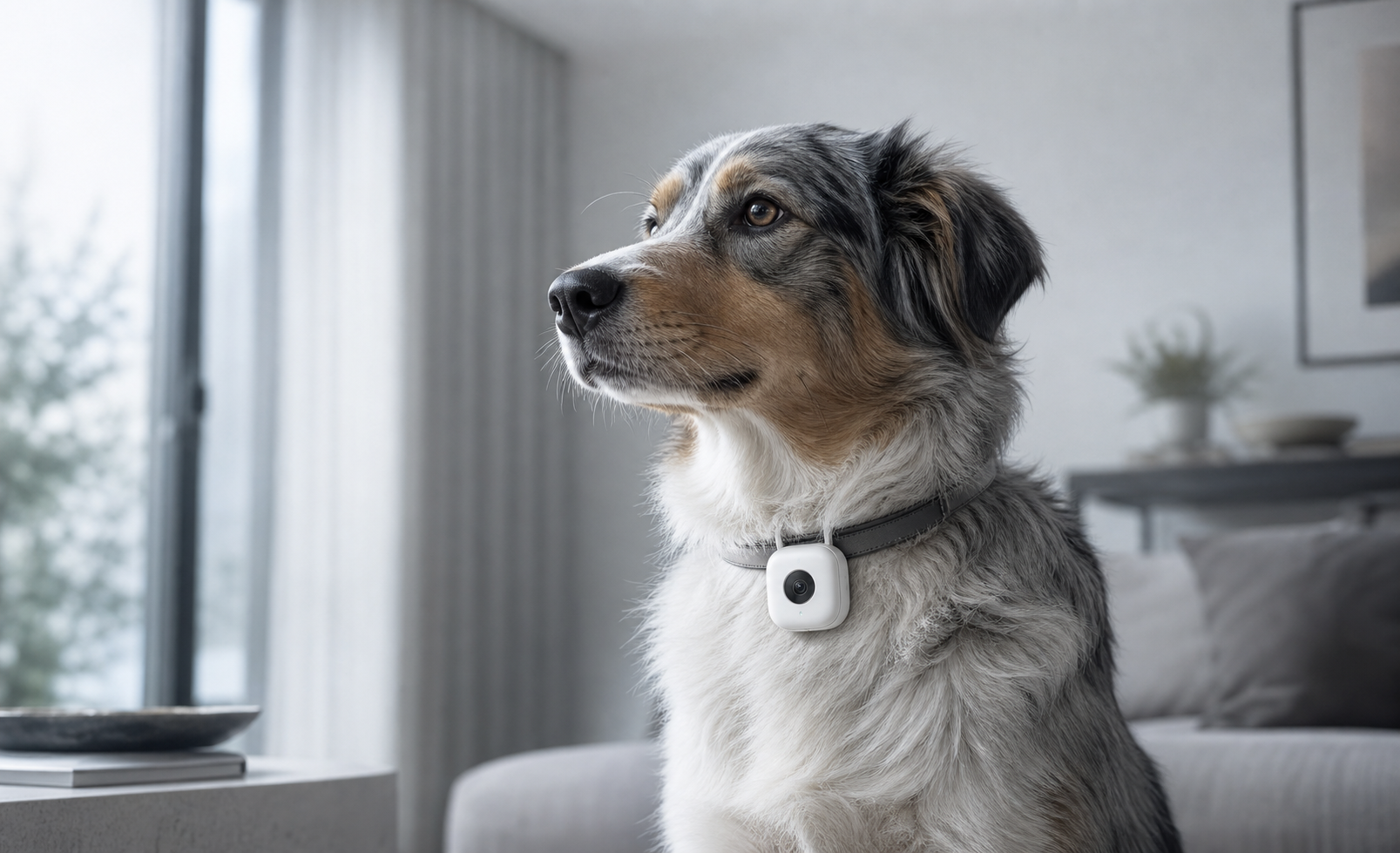
Short first-person clips help owners see what their companion noticed during walks, waiting, play, or reunion moments.
Movement, rest, posture, and repeated paths help the system separate meaningful events from background noise.
Microphone-derived cues support interpretation of play, stress triggers, familiar voices, and unfamiliar environments.
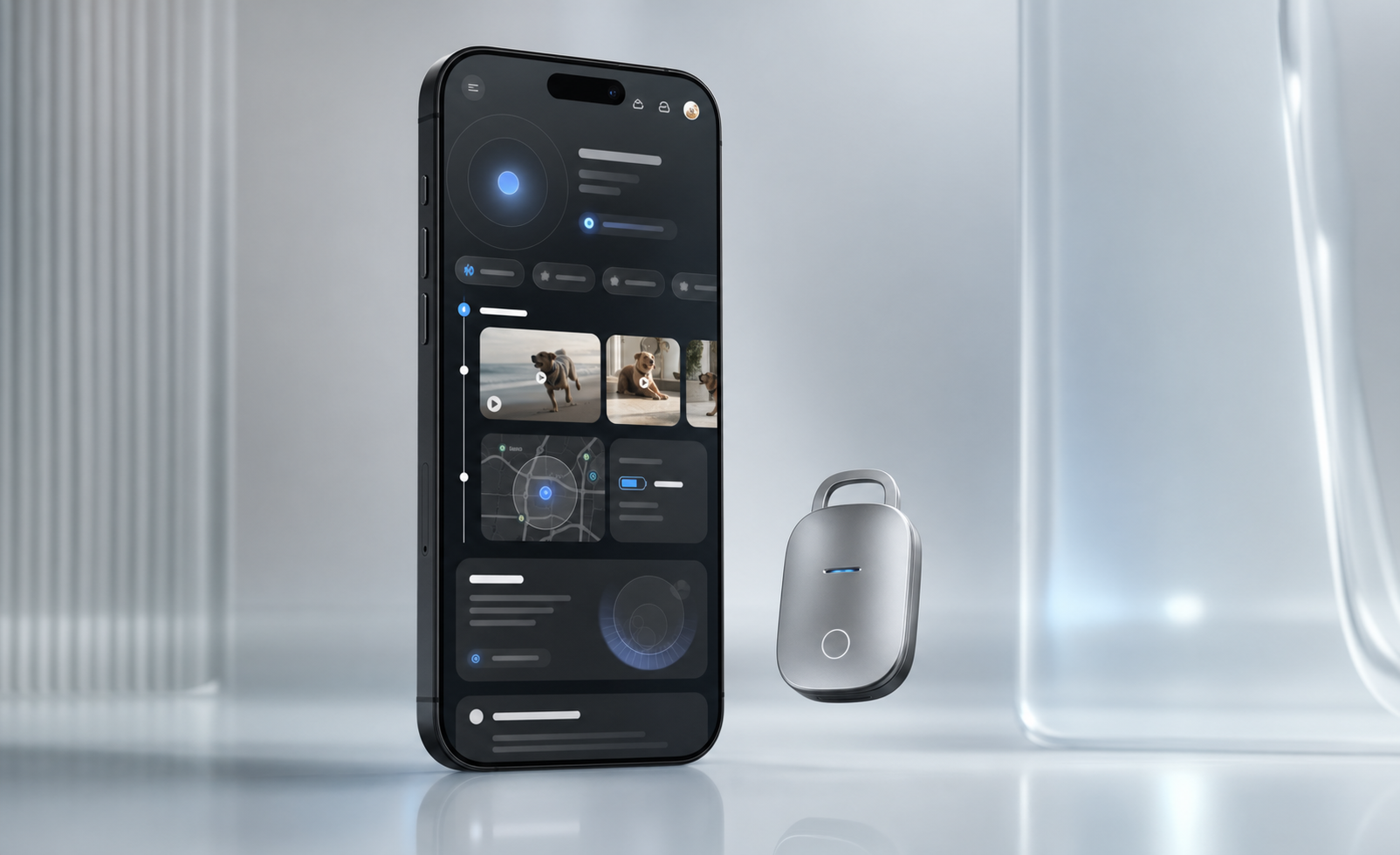
Daily context becomes owner-friendly cards, saved highlights, and questions the app can answer over time.
Memory system
Auren is planned to learn individual baselines with owner permission: usual sleep windows, favorite places, common sound triggers, and changes that may deserve a second look.
Short clips, movement windows, pauses, routes, and owner notes.
Daily rhythm, favorite places, activity range, and repeated reactions.
Visible capture status, memory editing, deletion, and permission settings.
Finding flow
The product copy mirrors a complete finding journey: locate the area, walk toward the signal, confirm visually, and look for the device light.
Use location to understand the search area before panic takes over.
Move from a broad map to a closer signal when the pet is near.
Live view and LED language make the final approach less blind.